
Skip to contentPular para o conteúdo
Get StartedComeçar

Real uses, real markup.Usos reais, marcação real.

Landing heroes, pricing, FAQ and metrics running with the exact attributes, then where the project has been checked, then the card patterns. Core parts are marked Existing, the Cut family Proposed.Heroes de landing, preços, FAQ e métricas rodando com os atributos exatos, depois onde o projeto foi verificado e, por fim, os padrões de cartão. Partes do core estão marcadas Existente, a família Cut como Proposta.

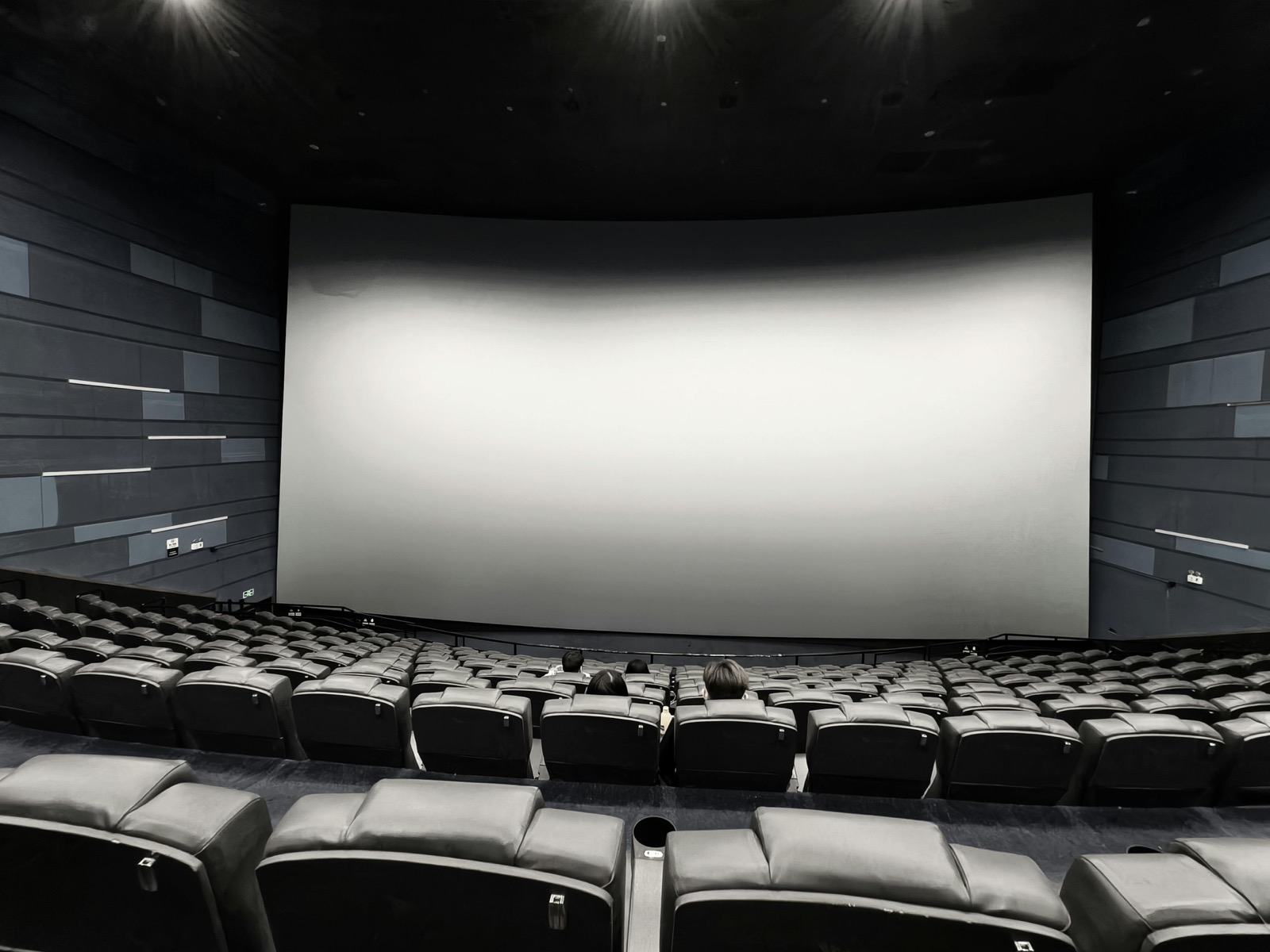
Rows of empty seats in a cinema auditorium
A vintage film projector
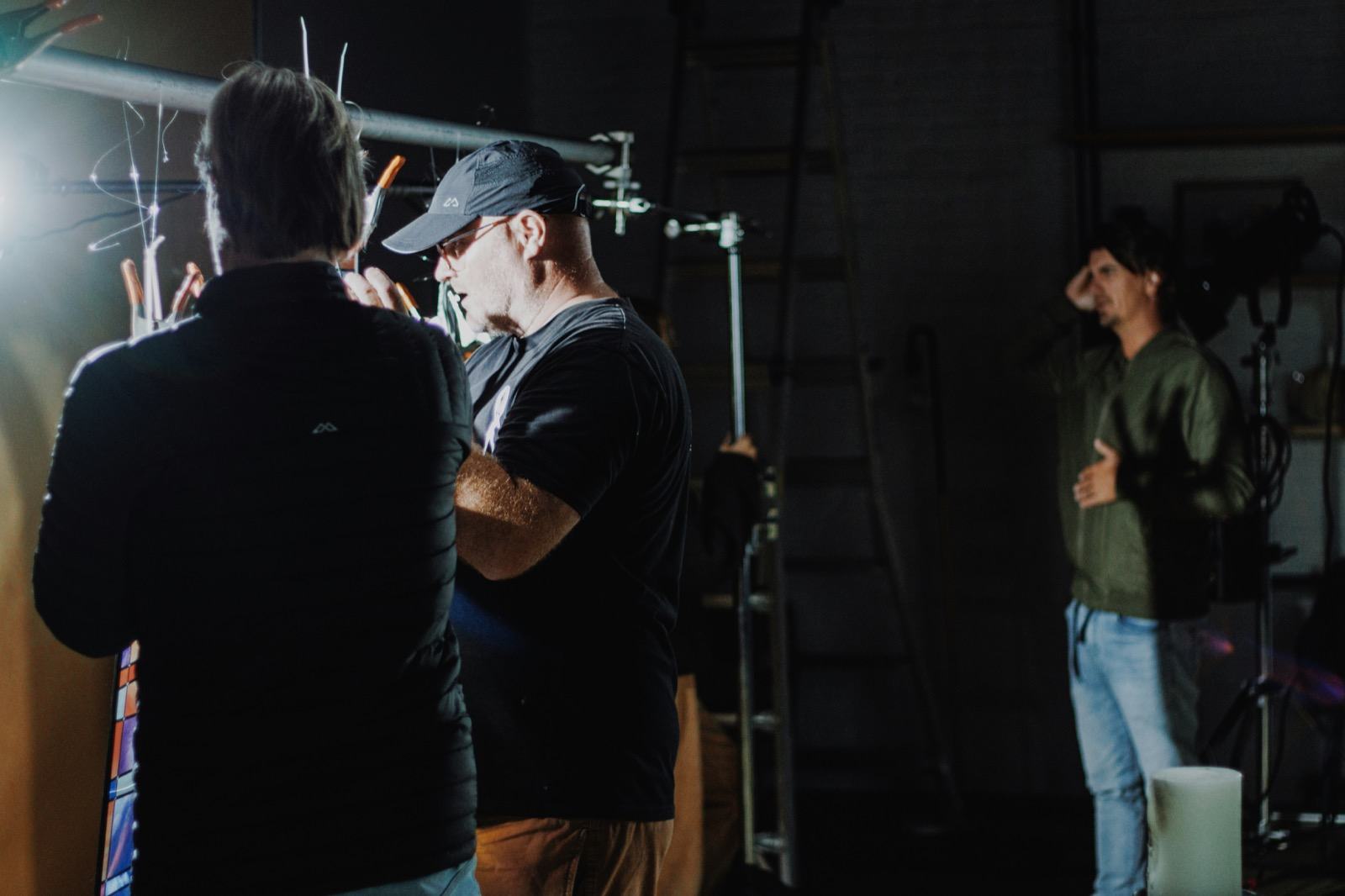
Film lights on a cinematic set

What you can build today.O que você pode construir hoje.

Four everyday page parts, each running below with the exact attributes. They are small demonstrations of common uses, not shipped client sites. Scroll back to replay them.Quatro partes comuns de página, cada uma rodando abaixo com os atributos exatos. São pequenas demonstrações de usos comuns, não sites de clientes entregues. Role de volta para repeti-las.

↓ Hover the cards, open the questions↓ Passe o mouse nos cartões, abra as perguntas
ExistingExistente
01 · Landing hero01 · Hero de landingExistingExistente

New · Spring releaseNovo · Lançamento de primavera

Ship the demo that sells itself.Entregue a demo que se vende sozinha.

Motion that starts when the section arrives.Movimento que começa quando a seção chega.

Start freeComece grátis
CodeCódigo
<p vl-enter="fade-up">New · Spring release</p>
<h1 vl-enter="text-reveal-up">Ship the demo that sells itself.</h1>
<p vl-enter="fade-up" style="--vl-enter-delay:200ms">…</p>
<a href="/start" vl-enter="fade-up" style="--vl-enter-delay:360ms">Start free</a>
<!-- wrap the section in vl-in-view to replay on re-entry -->
02 · Pricing cards02 · Cartões de preçoExistingExistente
SoloSolo$0

Side projectsProjetos pessoais

TeamTime$19

Per seatPor assento

StudioEstúdio$49

Per seatPor assento

CodeCódigo
<div vl-children="cascade" vl-stagger="120ms">
  <article vl-hover="hover-lift">Solo</article>
  <article vl-hover="hover-lift">Team</article>
  <article vl-hover="hover-lift">Studio</article>
</div>
03 · FAQ03 · FAQExistingExistente
Does it need JavaScript?Precisa de JavaScript?

No. The motion runs in the browser from CSS.Não. O movimento roda no navegador a partir do CSS.

Works with Tailwind?Funciona com Tailwind?

Yes. Import the motion core only.Sim. Importe só o motion core.

Reduced motion?E movimento reduzido?

Handled by the framework CSS.Tratado pelo CSS do framework.

CodeCódigo
<div vl-children="cascade" vl-stagger="100ms">
  <details><summary>Does it need JavaScript?</summary><p>No.</p></details>
  <details><summary>Works with Tailwind?</summary><p>Yes.</p></details>
</div>
04 · Metrics strip04 · Faixa de métricasExistingExistente

0Script tagsTags de script

144PresetsPresets

12PagesPáginas

CodeCódigo
<div vl-children="cascade" vl-stagger="90ms">
  <p><b>0</b> Script tags</p>
  <p><b>144</b> Presets</p>
</div>

Where it has been checked.Onde já foi verificado.

Two production-shaped projects in the repository were validated against the compiler on 2026-09-10. The third is documentation only.Dois projetos com formato de produção no repositório foram validados contra o compilador em 2026-09-10. O terceiro é só documentação.

EvidenceEvidência
  • HTML + CSS starterStarter HTML + CSSA marketing landing with a hero scene, card grid, scroll reveal and FAQ. Compiler result: 0 issues.Uma landing de marketing com cena de hero, grade de cartões, revelação na rolagem e FAQ. Resultado do compilador: 0 problemas.starters/html-css-minimal/ValidatedValidado
  • Tailwind hostHost TailwindA pinned product scene with Tailwind owning layout and color, importing only the motion core. Compiler result: 0 issues, 16 attributes.Uma cena de produto fixa, com o Tailwind cuidando de layout e cor, importando só o motion core. Resultado do compilador: 0 problemas, 16 atributos.examples/tailwind-host/ValidatedValidado
  • WordPressWritten as documentation. There is no live install in the repository, so no claim is made beyond the guide.Escrito como documentação. Não há instalação real no repositório, então nenhuma afirmação vai além do guia.examples/wordpress/ExperimentalExperimental

Card patterns for your pages.Padrões de cartão para suas páginas.

Ready-made ways to present cards, from the core stylesheet and from the proposed Velora Cut family.Formas prontas de apresentar cartões, da folha de estilo do core e da família Velora Cut proposta.

The carousel with no script.O carrossel sem script.

Radios and labels drive the strip, :has() moves it. This is the real .vl-carousel--banner from the core.Radios e labels conduzem a faixa, :has() a move. Este é o .vl-carousel--banner real do core.

↓ Use the arrows or the dots↓ Use as setas ou os pontos
ExistingExistente

Core · .vl-carousel--banner · radios + :has() · 3 slidesCore · .vl-carousel--banner · radios + :has() · 3 slides

CodeCódigo
<div class="vl-carousel vl-carousel--banner">
  <input class="vl-carousel__state" id="bn1" name="bn" type="radio" checked aria-label="Slide 1">
  <input class="vl-carousel__state" id="bn2" name="bn" type="radio" aria-label="Slide 2">
  <div class="vl-carousel__viewport"><div class="vl-carousel__strip">
    <article class="vl-carousel__slide"><img src="a.jpg" alt="">…</article>
    <article class="vl-carousel__slide"><img src="b.jpg" alt="">…</article>
  </div></div>
  <div class="vl-carousel__arrows">
    <label class="vl-carousel__arrow vl-carousel__arrow--next vl-carousel__when-slide-0" for="bn2" aria-label="Next slide">›</label>
  </div>
  <div class="vl-slider-dots"><label class="vl-slider-dots__dot" for="bn1"></label>…</div>
</div>

Cards that answer the pointer.Cartões que respondem ao ponteiro.

Three hover effects from the core, each one attribute: hover-card-fan, hover-card-stack and hover-spotlight.Três efeitos de hover do core, cada um com um atributo: hover-card-fan, hover-card-stack e hover-spotlight.

↓ Hover or focus the cards↓ Passe o mouse ou foque nos cartões
ExistingExistente
CodeCódigo
<div vl-effect="hover-card-fan"
     style="--vl-hover-fan-card-width:4.6rem;--vl-hover-fan-gap:.3rem">
  <a href="#">Intent</a><a href="#">Motion</a><a href="#">Scene</a>
</div>

<a vl-effect="hover-card-stack" href="#">Lifts on hover</a>
<a vl-effect="hover-spotlight" href="#">Light follows in</a>

Swipe a shelf of covers.Deslize uma prateleira de capas.

A native scroll-snap row. Each item tilts into place with a view timeline. It scrolls with touch, trackpad and keyboard.Uma linha nativa com scroll-snap. Cada item se inclina no lugar com uma view timeline. Rola com toque, trackpad e teclado.

→ Use the arrows and dots, swipe, or press ← →→ Use as setas e os pontos, deslize ou pressione ← →
ExistingExistente
Film lights, wide
Auditorium seats
Projector lens
Film lights, detail
Auditorium screen
Projector body
CodeCódigo
<div class="vl-cover-flow" style="--vl-coverflow-item-size:min(20rem,72vw)" tabindex="0"
     aria-label="Cover flow">
  <figure class="vl-cover-flow__item"><img src="a.jpg" alt="…"></figure>
  <figure class="vl-cover-flow__item"><img src="b.jpg" alt="…"></figure>
</div>

Cards that pile up as you scroll.Cartões que se empilham conforme você rola.

Each card sticks, then the one beneath it scales back. Pure position: sticky and a view timeline.Cada cartão gruda, depois o de baixo recua. position: sticky puro e uma view timeline.

↓ Keep scrolling↓ Continue rolando
ExistingExistente
IntentIntenção

Describe what you want.Descreva o que você quer.

Start with HTML and an attribute that names the intent.Comece com HTML e um atributo que nomeia a intenção.

ChannelCanal

Pick when it moves.Escolha quando se move.

Enter, scroll, loop, hover, exit or state.Entrada, rolagem, loop, hover, saída ou estado.

ParameterParâmetro

Tune with properties.Ajuste com propriedades.

Custom properties set distance, speed and ease.Propriedades personalizadas definem distância, velocidade e easing.

SceneCena

Organize time.Organize o tempo.

Pin a stage, scrub it, and let the browser execute.Fixe um palco, faça scrub e deixe o navegador executar.

CodeCódigo
<div class="vl-stack-cards" style="--vl-stack-offset:88px;--vl-stack-spread:18px">
  <article class="vl-stack-card"><h3>Describe what you want.</h3></article>
  <article class="vl-stack-card"><h3>Pick when it moves.</h3></article>
</div>

Cut Carousel: slides uncovered by the Cut.Cut Carousel: slides revelados pelo corte.

The core carousel with --vl-carousel-transition: mask: each slide is uncovered over the previous one by the Cut mask instead of sliding sideways.O carrossel do core com --vl-carousel-transition: mask: cada slide é revelado sobre o anterior pela máscara do Cut, em vez de deslizar para o lado.

↓ Choose a slide↓ Escolha um slide
ProposedProposto
CodeCódigo
<!-- Proposed: mask transition on the core carousel parameters -->
<div class="vl-choice" role="radiogroup"
     style="--vl-carousel-slides:3;--vl-carousel-transition:mask">
  <div class="vl-carousel__viewport"><div class="vl-carousel__strip">
    <figure>…</figure><figure>…</figure><figure>…</figure>
  </div></div>
  <div class="vl-choice__options">
    <label class="vl-choice__option"><input name="cc" type="radio" checked>01</label>…
  </div>
</div>

Cards with a cut corner.Cartões com canto cortado.

Two models of the same idea. Model A comes from Velora Cut Components: opposite corners are cut, the cut grows on hover and the numeral drops its hatching. Model B is the compact version. In both, the colored border follows the cut.Dois modelos da mesma ideia. O Modelo A vem dos Velora Cut Components: cantos opostos são cortados, o corte cresce no hover e o numeral perde a hachura. O Modelo B é a versão compacta. Em ambos, a borda colorida acompanha o corte.

↓ Hover or focus a card↓ Passe o mouse ou foque em um cartão
ProposedPropostoTwo modelsDois modelos

Model A · Cut ComponentsModelo A · Cut Components

35

EnterEntrada

vl-enter
  • fade-up
  • clip-rise
  • mask-sweep
23

Loop

vl-loop-effect
  • float
  • shimmer
  • glow-breathe
20

Hover

vl-hover
  • hover-lift
  • hover-glow
  • hover-card-fan

Model B · CompactModelo B · Compacto

CodeCódigo
<!-- Proposed: Model B, compact cut card -->
<a class="vl-cut" href="#" vl-enter="fade-up">
  <span>Channel</span><b>vl-enter</b><p>Plays when the element arrives.</p>
</a>
CodeCódigo
<!-- Proposed: four custom properties set the cut on each card -->
<a class="hs" href="#" vl-enter="fade-up"
   style="--n:5;--a:18.4deg;--dn:-1;--amp:22px">…</a>

A slider of tickets with a cut stub.Um slider de ingressos com canhoto cortado.

A slider with no scrolling. Each ticket has a stub separated by a perforation with a dashed rule. The dots are plain radio inputs inside their labels, so arrow keys work and no script runs. The slider is the core .vl-choice driving the carousel parameters.Um slider sem rolagem. Cada ingresso tem um canhoto separado por uma perfuração com linha tracejada. Os pontos são inputs radio dentro dos seus labels, então as setas funcionam e nenhum script roda. O slider é o .vl-choice do core conduzindo os parâmetros do carrossel.

→ Use the dots or arrow keys→ Use os pontos ou as setas do teclado
ProposedProposto

More from this family: Film Strip · Set ring · Poster IndexMais desta família: Film Strip · Set ring · Poster Index

CodeCódigo
<!-- Proposed: core .vl-choice drives the carousel parameters -->
<div class="vl-choice" role="radiogroup"
     style="--vl-carousel-slides:6;--vl-carousel-gap:14px">
  <div class="vl-carousel__viewport"><div class="vl-carousel__strip">
    <article class="vl-cut"><div>Scene 01 · Manifest</div><div>A1</div></article>…
  </div></div>
  <div class="vl-choice__options">
    <label class="vl-choice__option"><input name="tkr" type="radio" checked></label>…
  </div>
</div>